15
Oct 2025Wrapped up a big piece of work, so I spent the evening reading at the café.
 the diaryyou’ve kept in
  google keep— again.
Leafback is a Chrome extension that brings years of Keep diary entries, photos included, into one place where you can look back with On this day, a calendar and a yearly view. Your diary stays inside your browser.
Get notified at launchImporting, searching and backups are free forever. Try the reflection features free for 7 days.
Wrapped up a big piece of work, so I spent the evening reading at the café.
The jacarandas are in full bloom. Walking under them feels like the season has turned.
Called an old friend and talked for an hour. It was good to catch up.
If you’ve kept a daily journal in Keep for years, these will sound familiar.
The more notes and photos you add, the slower Keep on the web becomes.
There’s no easy way to read entries in date order or a single month at a time.
Without a reason to look back, your memories just stay buried.
Your entries are organized by date, so you can read them back from many angles.
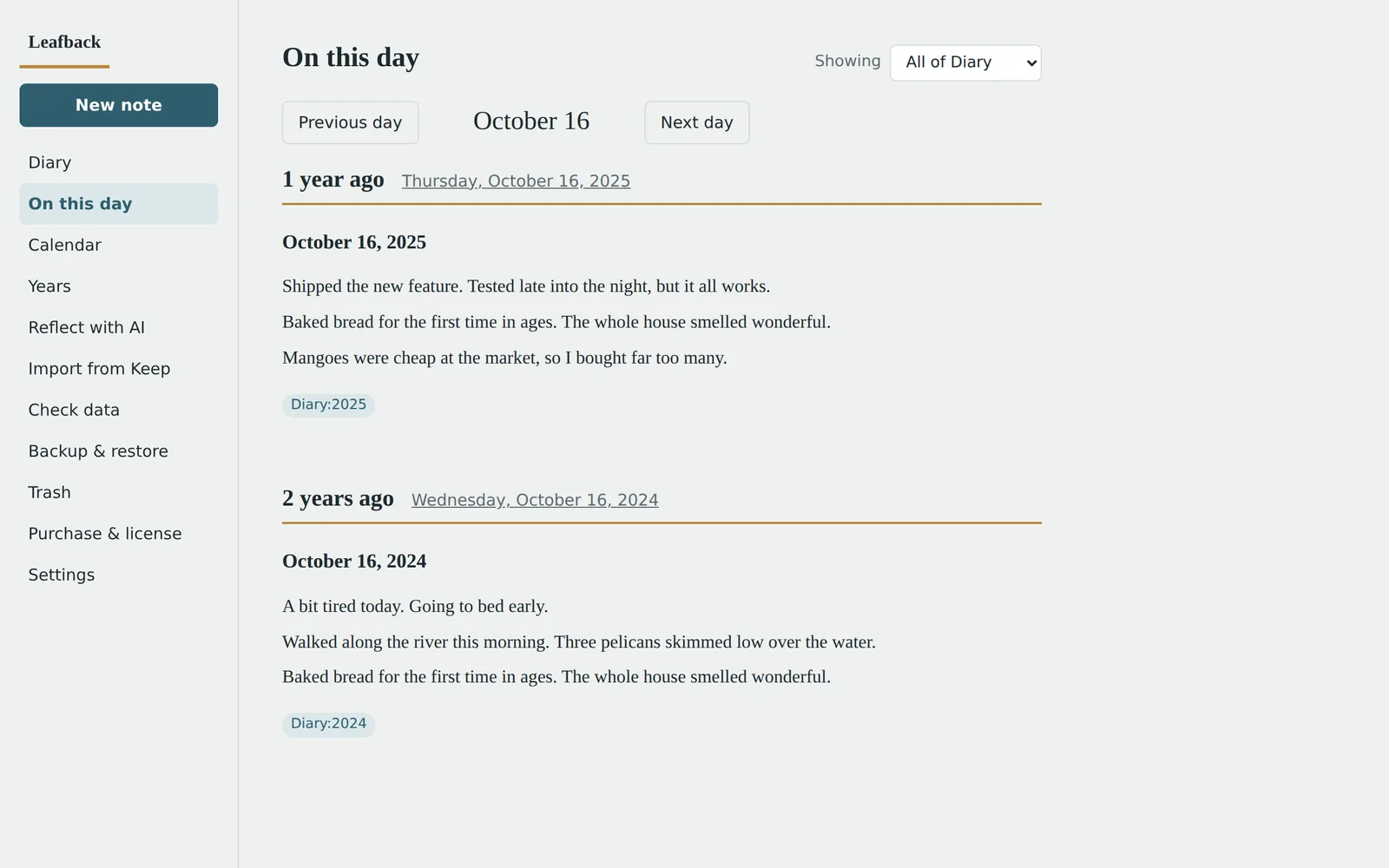
See what you wrote on today’s date one, two and more years ago, photos included. A different memory every time you open it.
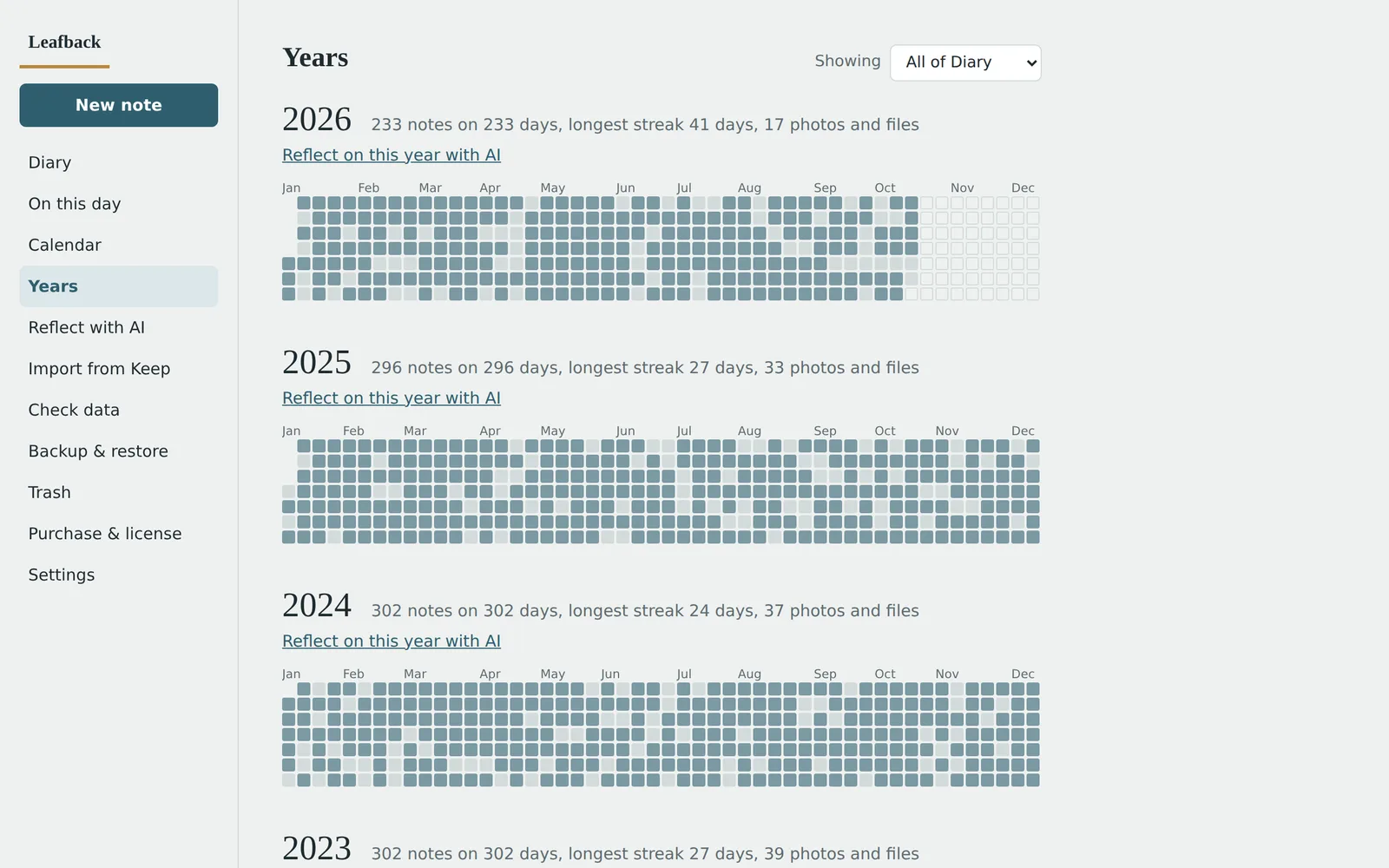
A one-square-per-day view shows every day you wrote, with entry counts and your longest streak for each year. Click a square to open that day.
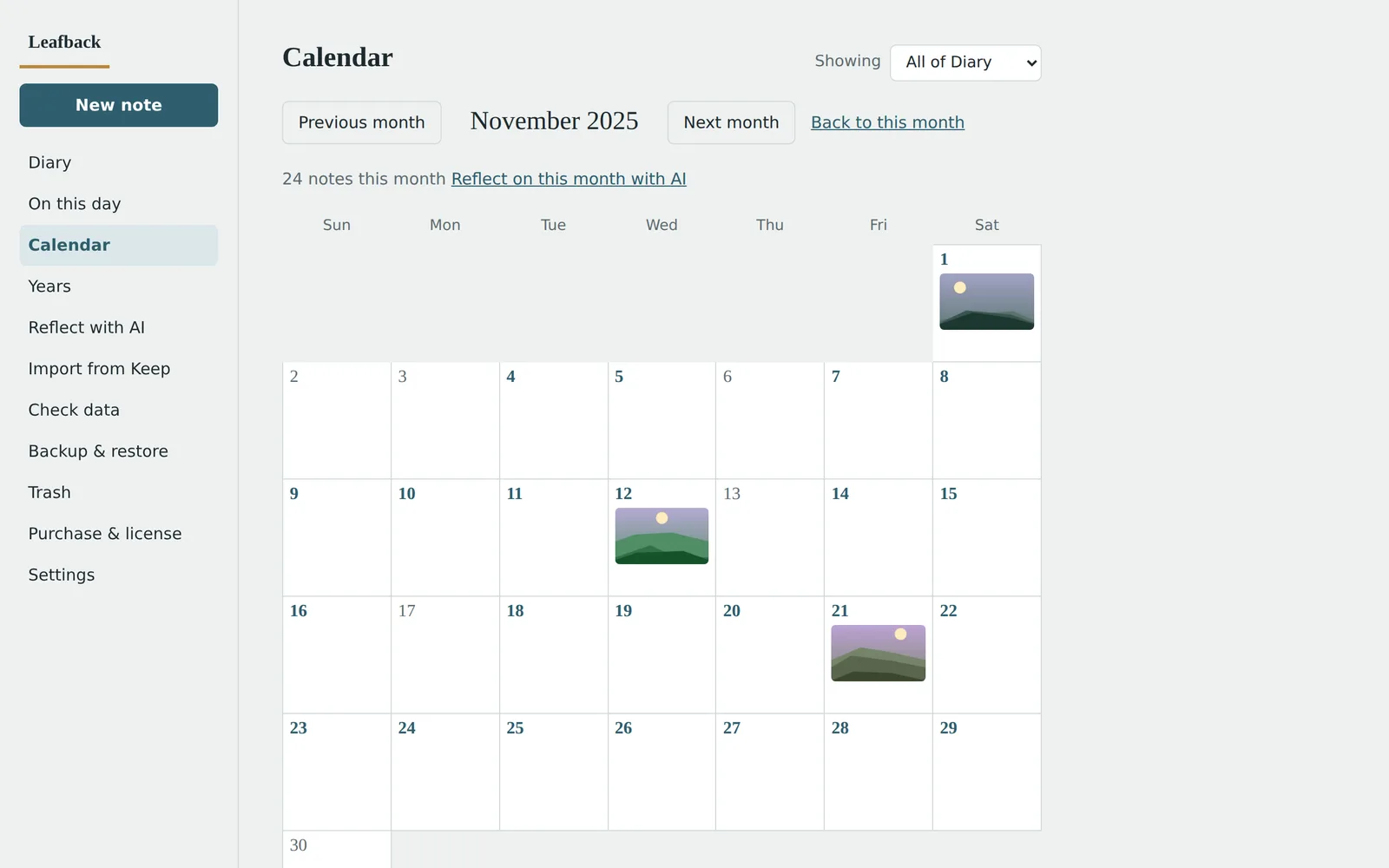
A monthly calendar with photo thumbnails. Open a day to read it in full, then turn to the next entry like pages in a book.
Use your own API key to have AI summarize a period of your diary. You review exactly what is sent, with a cost estimate, before anything leaves your browser.
Photos, drawings and audio attached in Keep are imported too, and images browsers can’t display are repaired automatically.
Find typos in title dates or year labels that don’t match, and fix them in a click.
Use Google Takeout to export only Keep, then download the ZIP file.
No need to unzip. Pick your diary labels and import everything, photos included. Thousands of entries take under a minute.
Read the days you wrote with On this day, the calendar and the yearly view.
Because it holds your most personal writing, it’s built to keep everything with you.
Reading and exporting your diary is always free. Try the reflection features free for 7 days from your first import.
$0
US$19 one-time
No. The extension only reads the data you export with Google Takeout. Nothing in Keep is changed.
Import your diary, save a backup, and then you can clear older years out of Keep while still reading them here. Deleting in Keep can’t be undone, so check your import and backup first.
It’s currently a Chrome extension for desktop computers.
In the extension’s own storage inside your browser. Removing the extension also removes your diary, so regular backups are recommended. Moving to a new computer? Restore from a backup.
Only if you use it. AI features use your own account with Claude, OpenAI or OpenRouter, and you see a cost estimate before sending. If you don’t use AI, there’s no extra cost.
Yes. Keep notes come in with their labels, so you can search and filter them too.
Leave your email and we’ll let you know when it launches, with an early-bird discount.